
Any recipe, any source.
A link, video, photo, or plain text. Norish reads it and turns it into a clean, structured recipe for you and everyone you cook with.
- Recipe sites
- YouTube videos
- Instagram reels
- Photos
- Pasted text
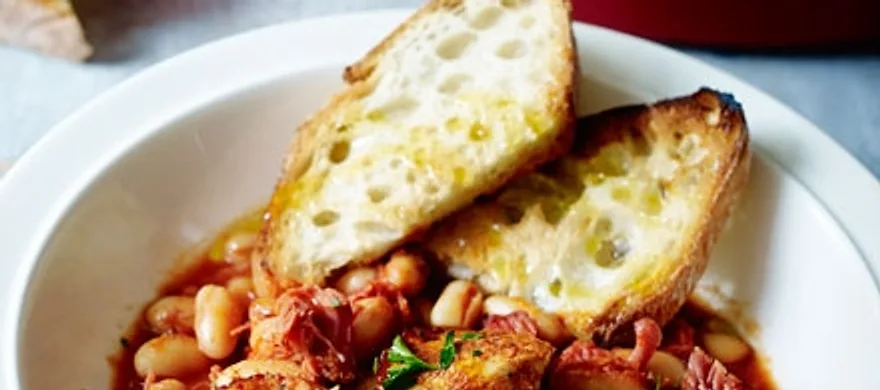
Chicken Cacciatore
Tender pieces of chicken with fresh veggies are simmered in a rich tomato sauce and served over pasta.
Cook
Ingredients
 6chicken thighs and/or drumsticks (bone-in, skin-on, about 2lbs)
 3tablespoonsolive oil (divided)
 1green bell pepper (diced)
- 1red bell pepper (diced)
 1mediumyellow onion (thinly sliced)
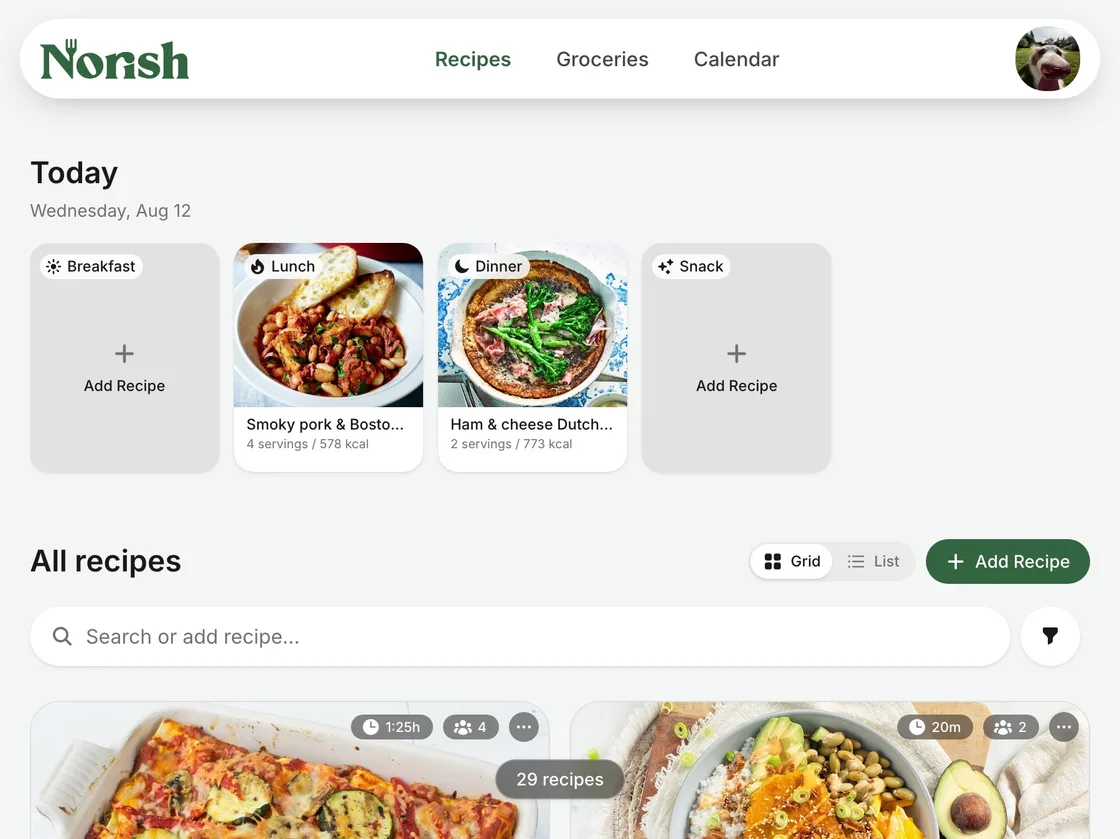
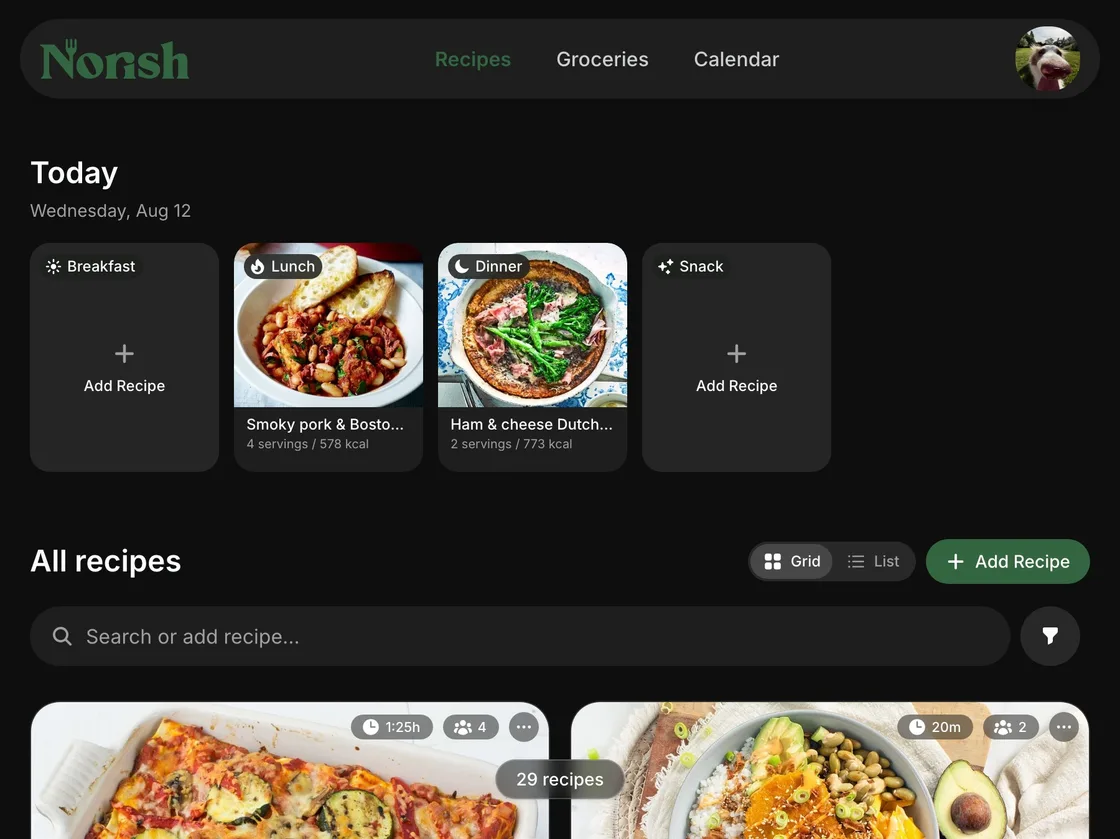
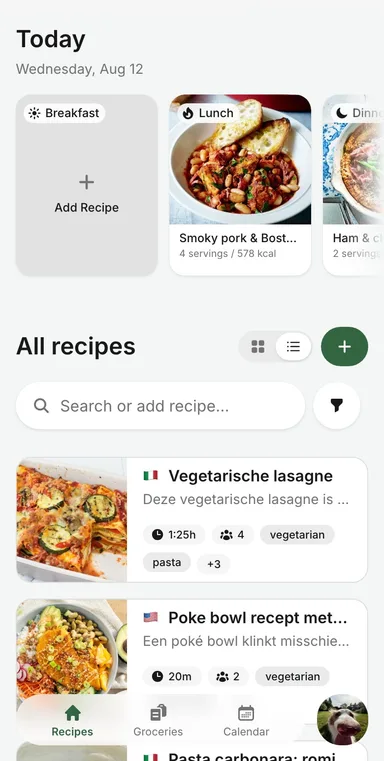
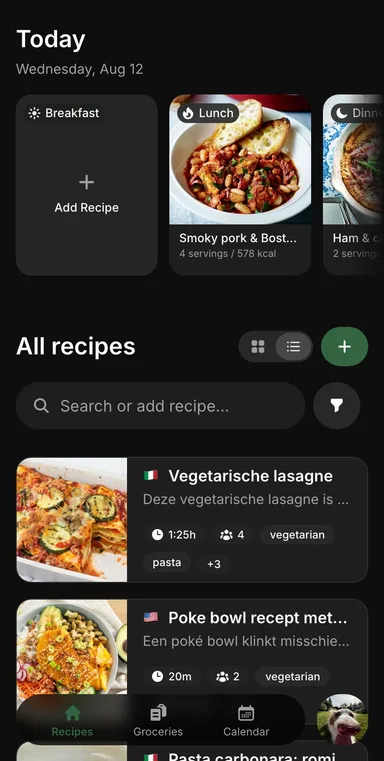
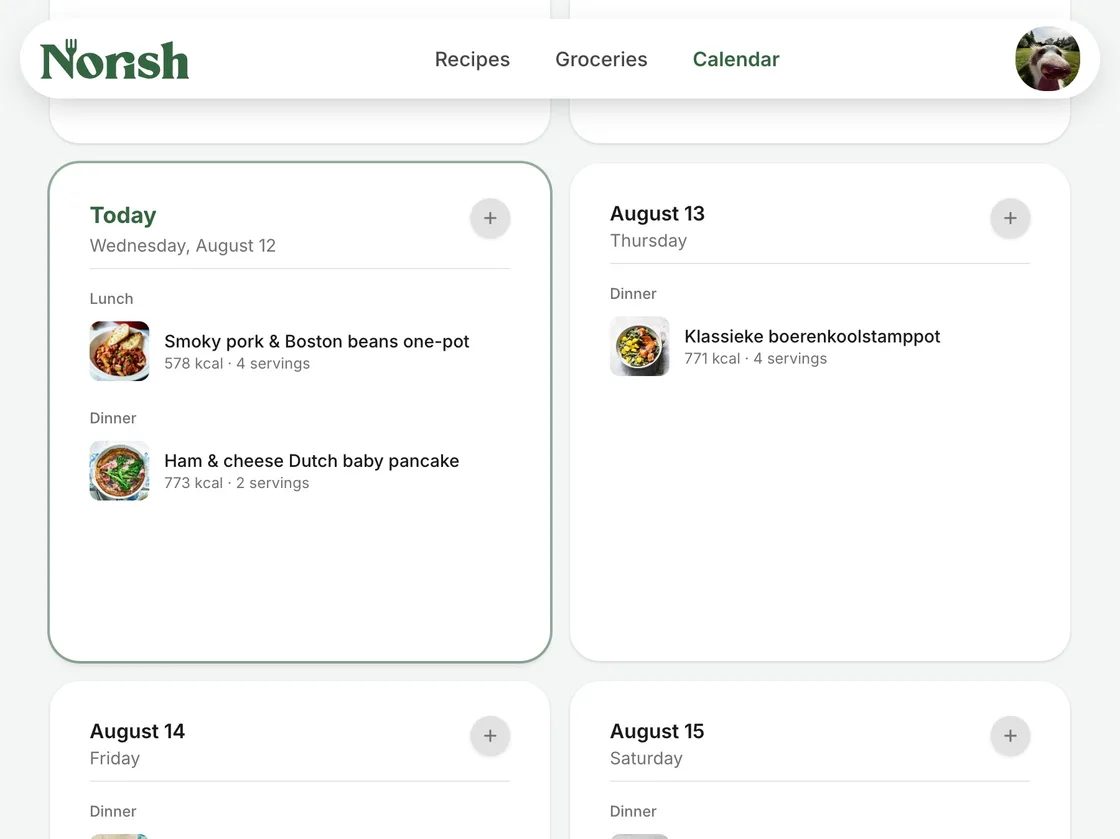
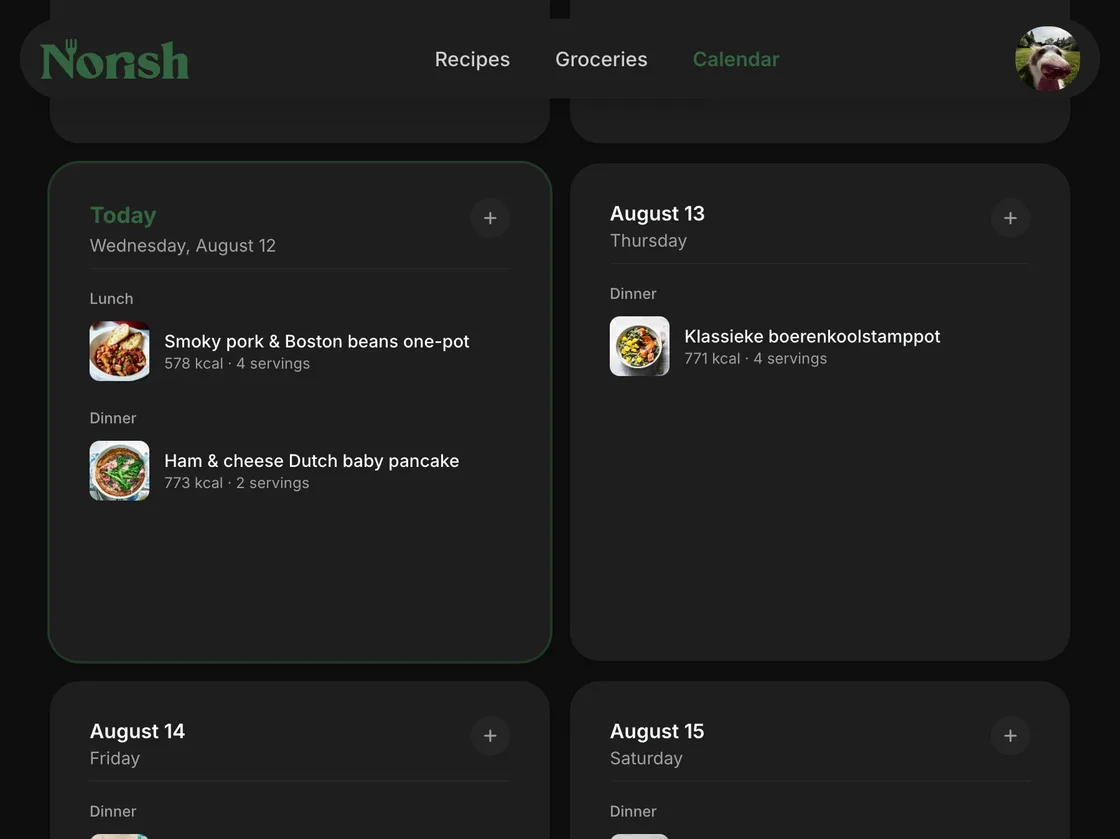
See all your recipes at a glance
Have anything planned for the day, see it right on top. Underneath you can view all the recipes you ever saved.
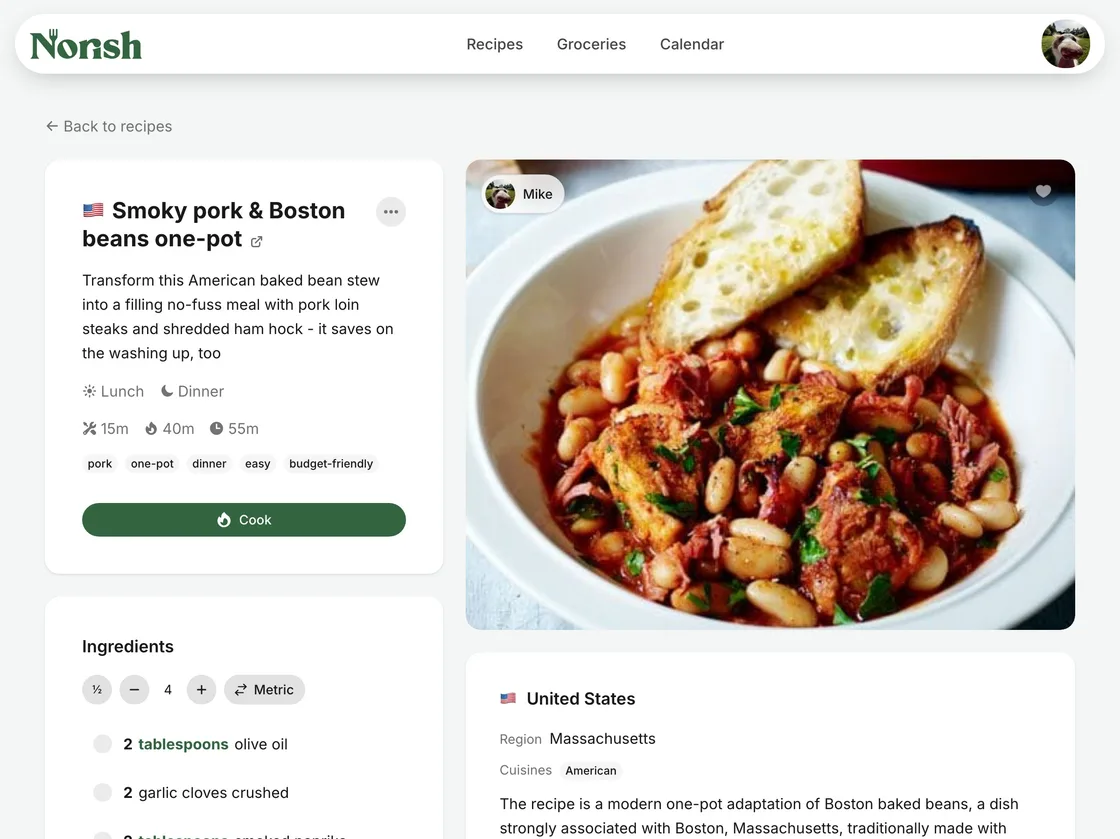
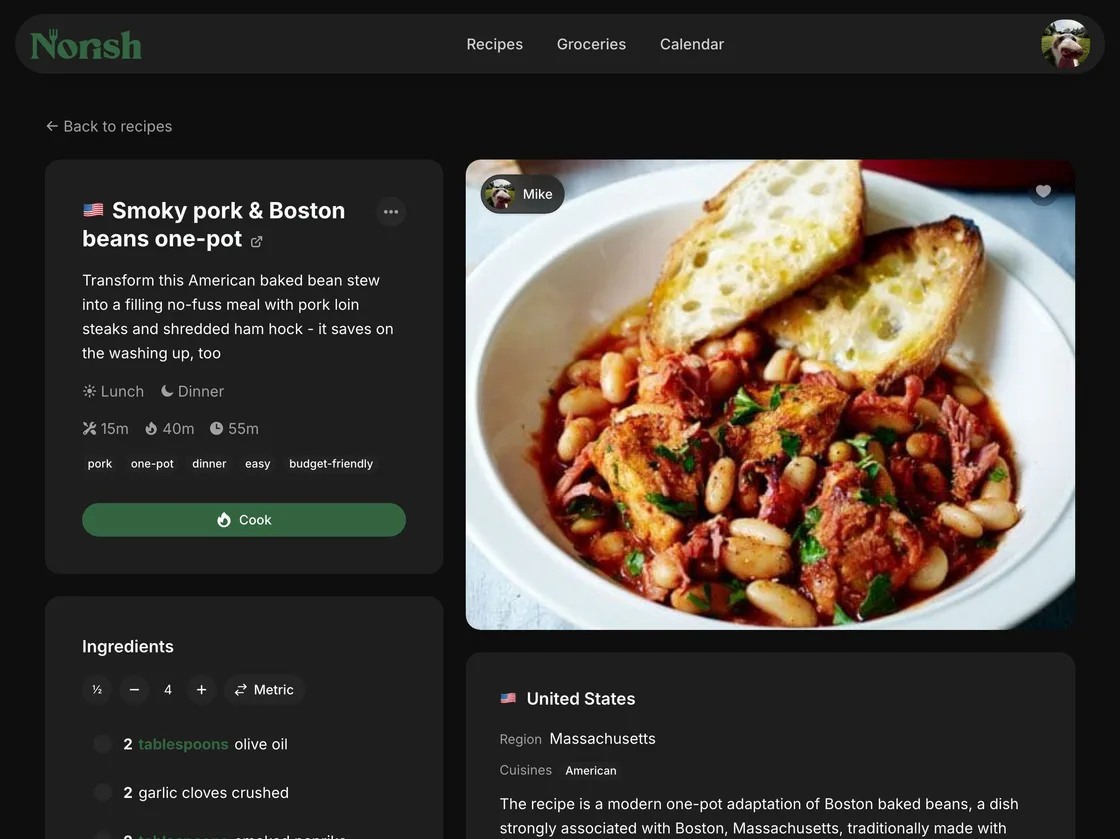
Customise it how you want
Need to scale the recipe? Use the plus and minus icons for however many servings you need. Is the recipe metric whilst you need US? Let Norish adjust the ingredients.
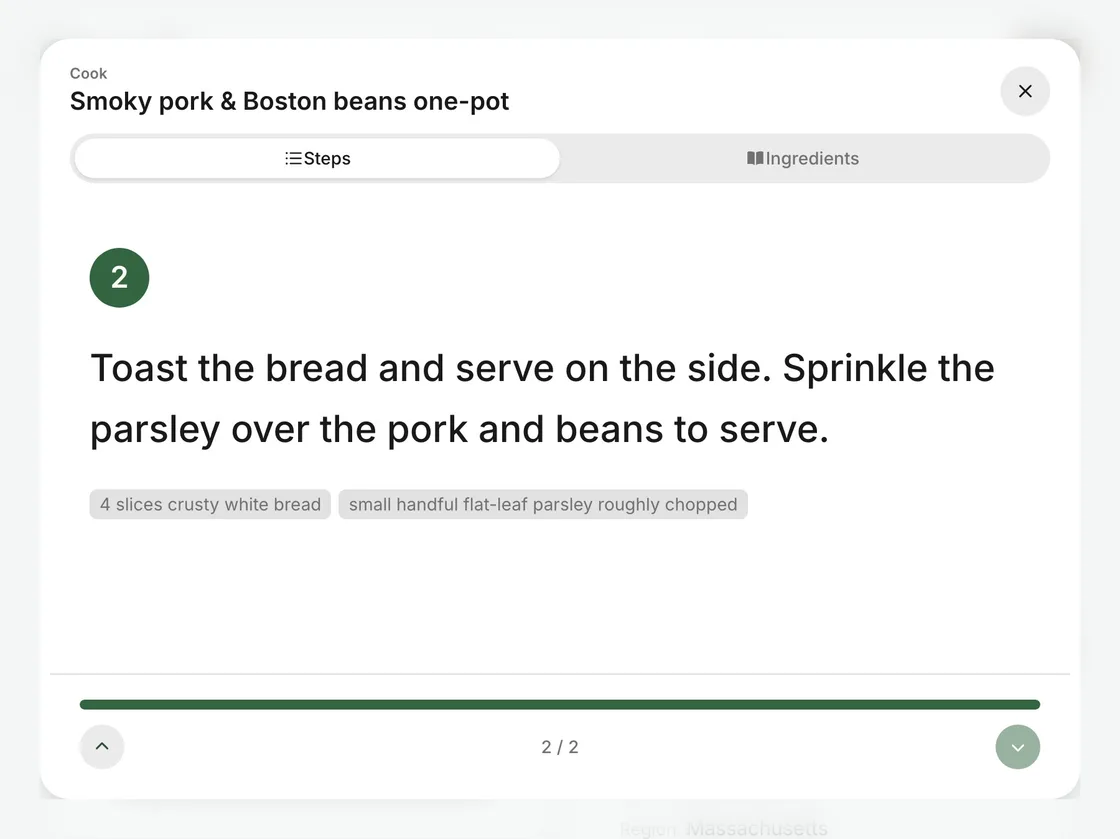
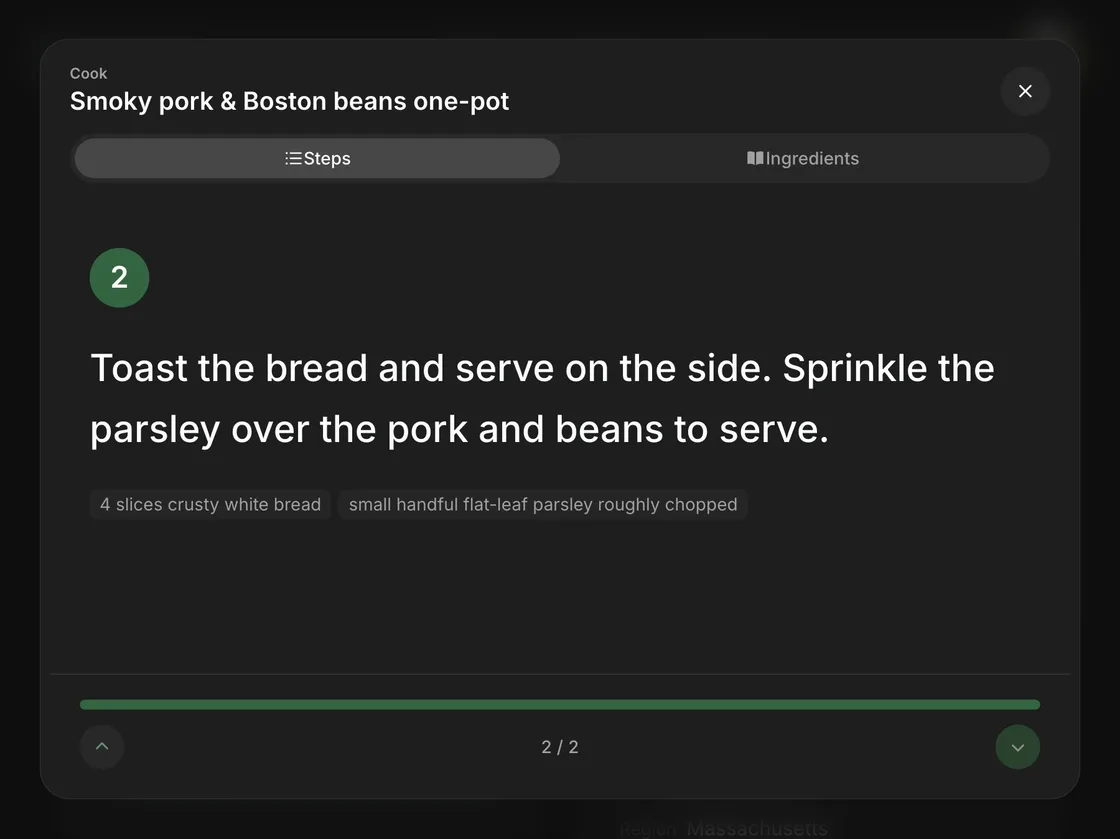
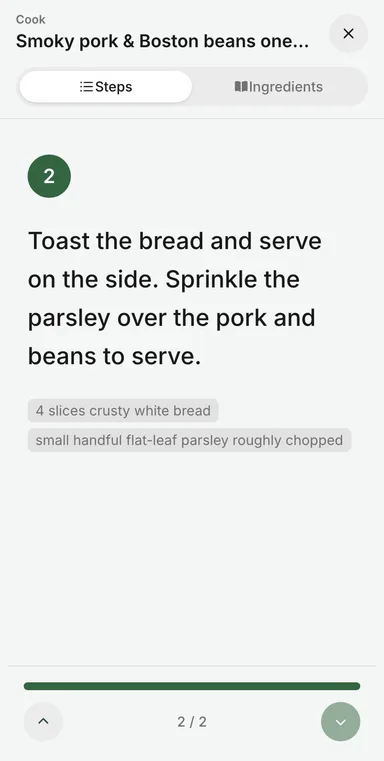
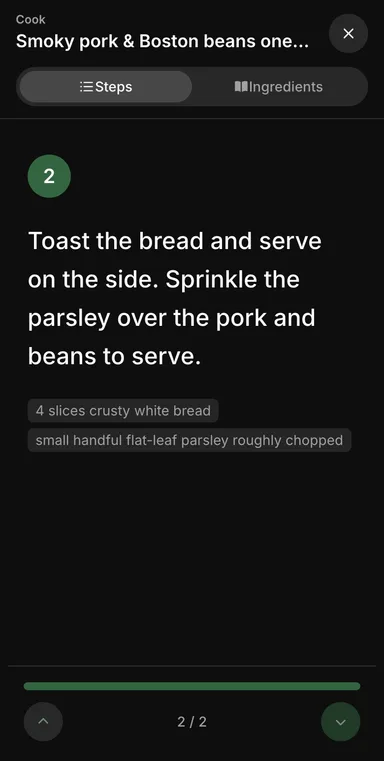
Need to focus?
Open the cooking mode, and see the recipe one step at a time. The screen will remain on whilst you are in cooking mode, so no need to worry about your device turning off.
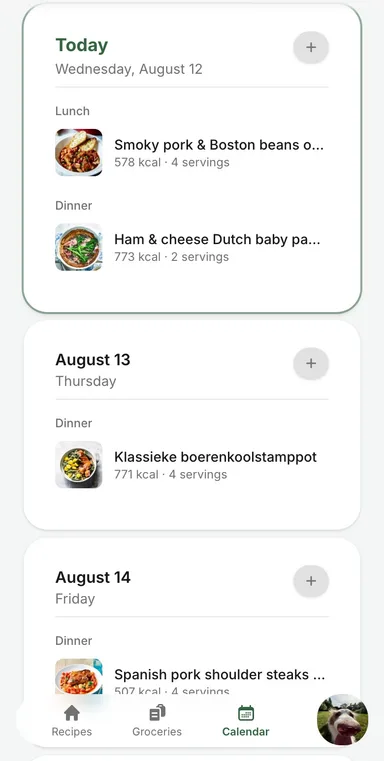
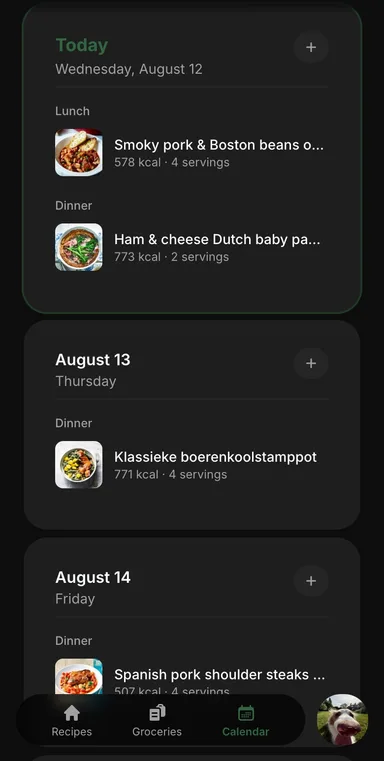
Plan your week ahead
Drop the recipes you would like to eat onto the calendar your whole household shares. Want to use your own calendar? Let Norish handle the syncing using CalDAV.
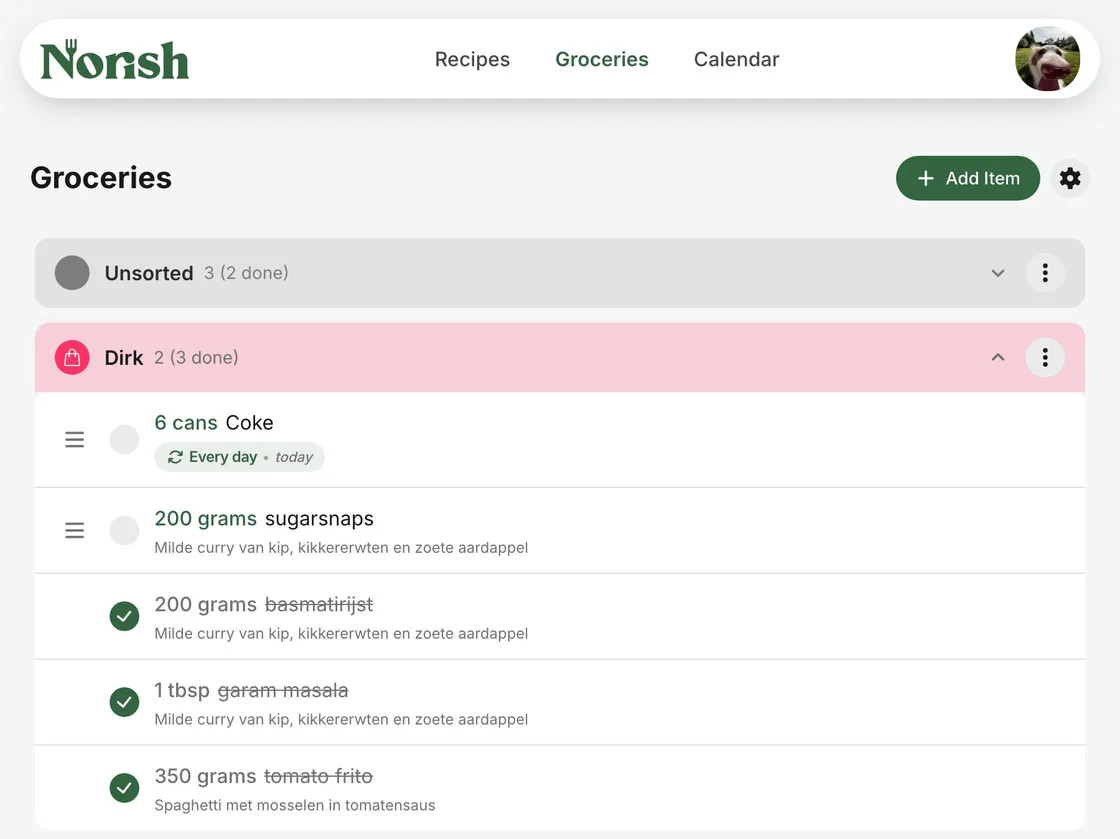
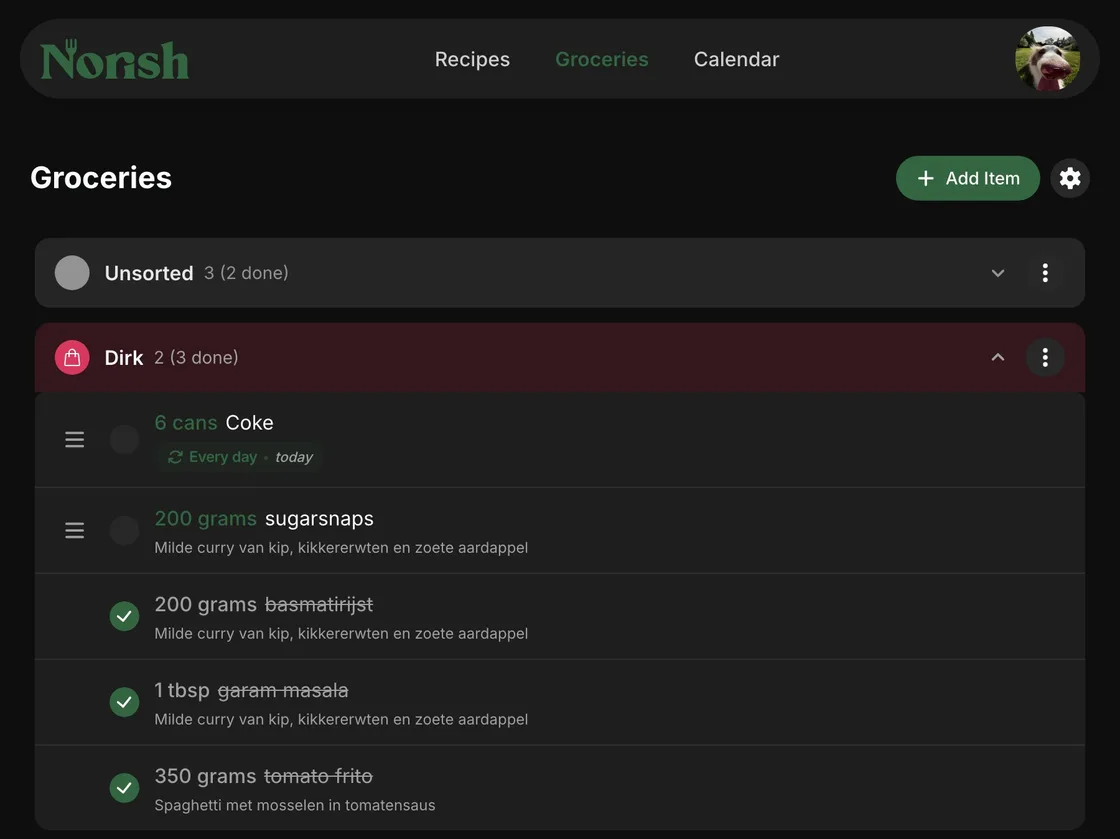
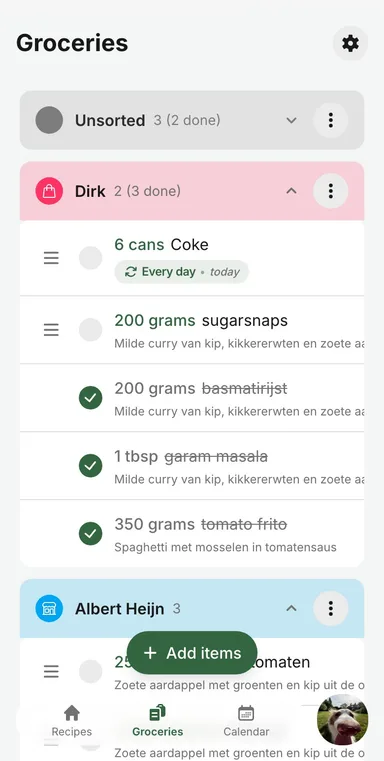
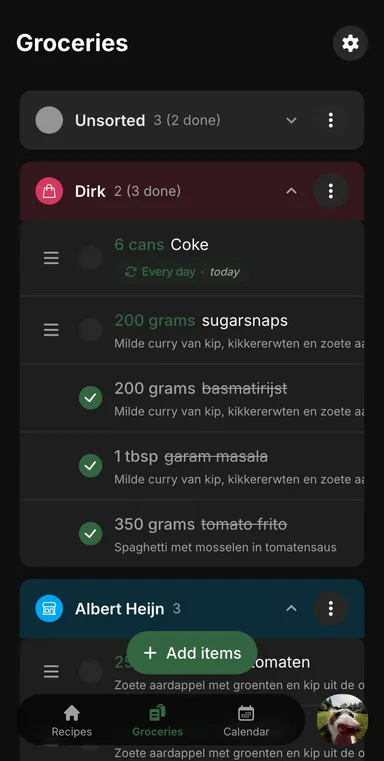
A grocery list that learns
Groceries that went into store 'Y' will go into store 'Y' the next time you need it. When doing groceries with your partner split up, the list stays in sync in realtime.
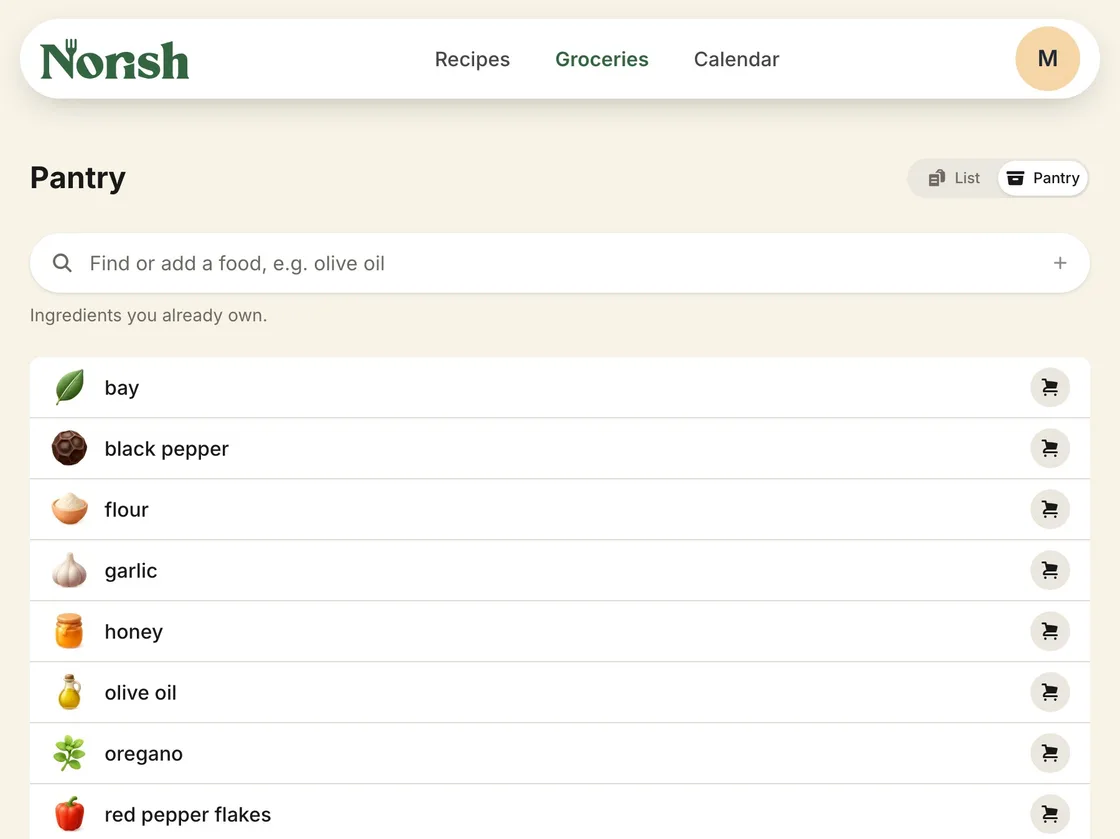
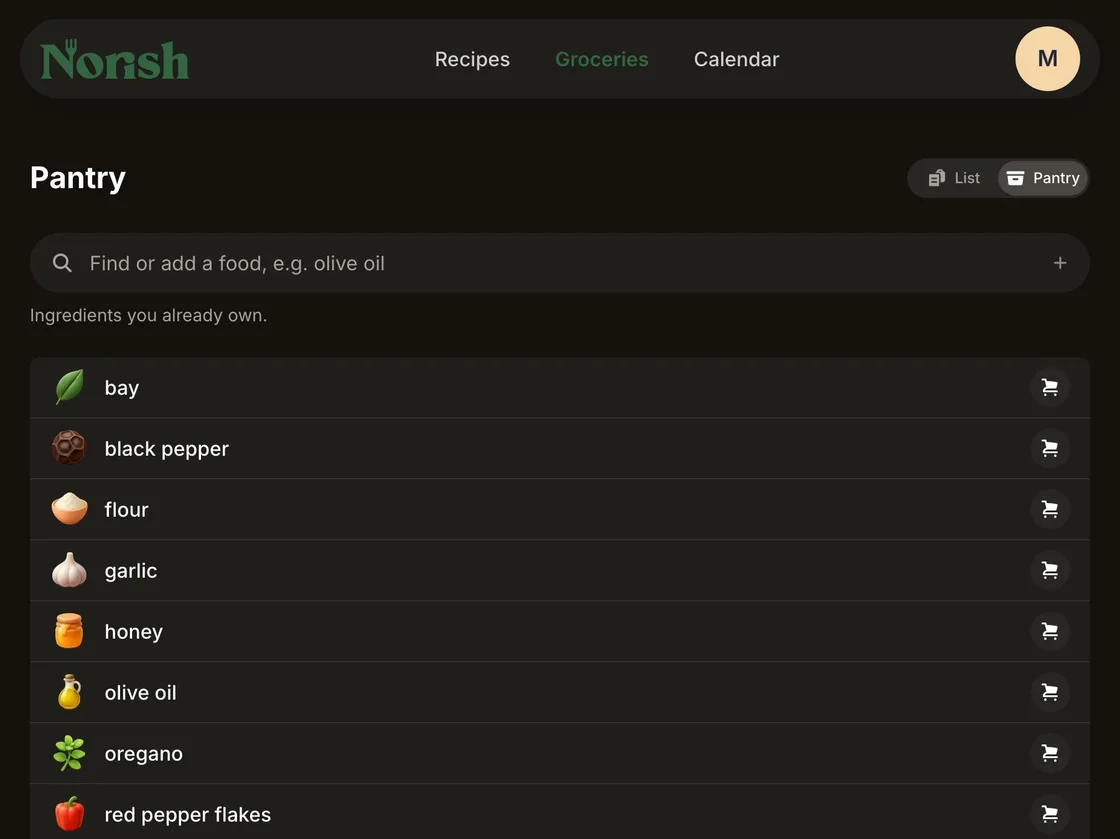
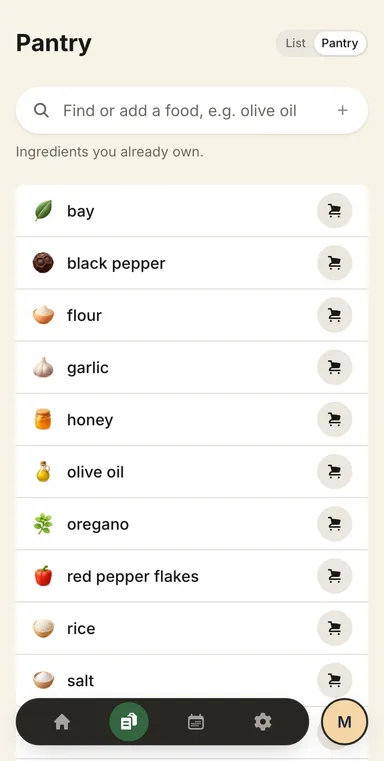
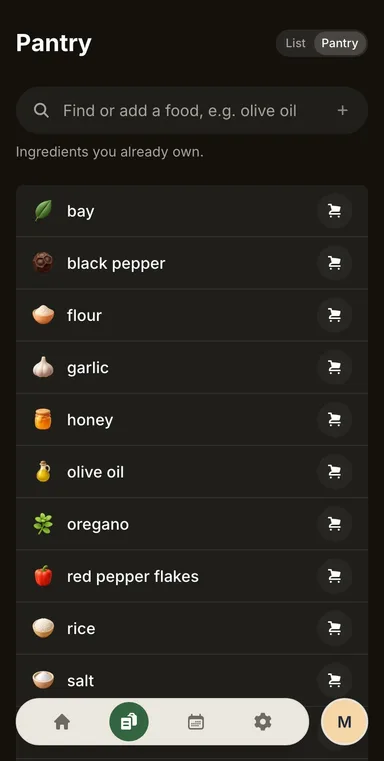
Keep track of what is in your inventory
Keep a pantry of what you already have. When you add a recipe to your groceries, your inventory stays off the list, even when the recipe names them in another language.
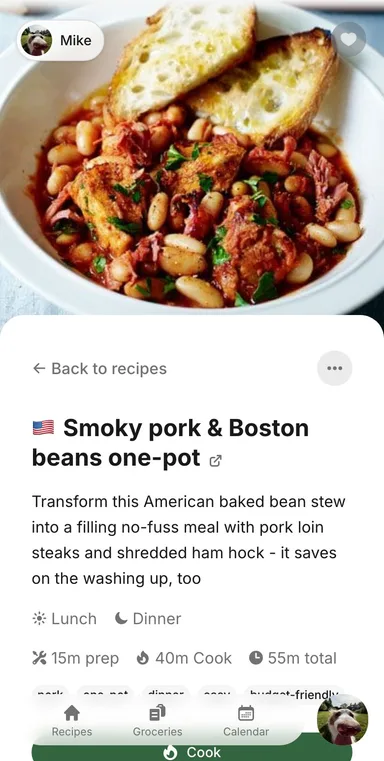
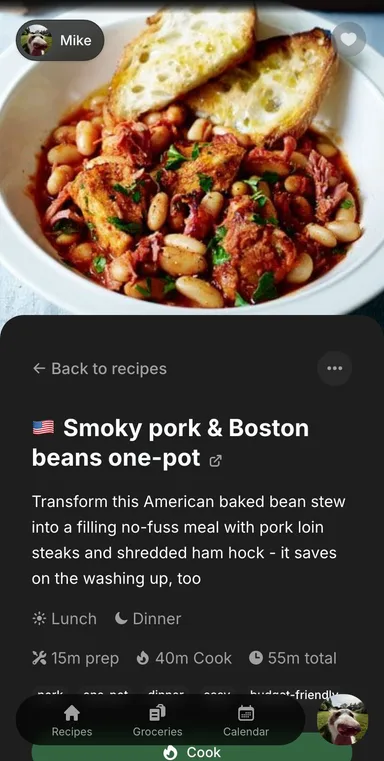
Features
A recipe manager first, and then rather a lot more. All of it arrives in the same container; open whatever you are curious about.
Importing recipes
5
From a link
Websites, blogs and recipe apps. Norish turns the structured data into a clean recipe, no clutter.
From a video
YouTube, Instagram, Facebook and more. When a video has no audio, Norish reads its description instead.*
From a photo
A screenshot, a page of a cookbook, a card in someone's handwriting. Up to ten photos are combined into a single recipe.*
From pasted text
Free text or raw JSON-LD. Useful when a site will not cooperate and you can still copy what is on it.
Filled in afterwards
Tags, meal categories, cuisines, allergens and provenance are worked out in the background once a recipe lands.*
Cooking and planning
8
Cookbooks
Group recipes into cookbooks of your choosing, each with its own cover: the weeknight dinners, the Christmas baking, everything out of your grandmother's book.
Cooking mode
Step-by-step and easy on the eye, with timers where the step needs them, quantities already scaled, and a screen that stays awake.
Linked ingredients in steps
A step can carry the ingredient lines it uses and how much of each, like half the water or three of the five eggs. Scaled the recipe? The linked ingredients scale along.
Scaling and units
Set the servings and every quantity re-does itself. Metric and US measurements swap with one tap, or automatically as a recipe opens.
Nutrition
Calories, protein, carbs and fat per serving, calculated from food databases such as CIQUAL and USDA FoodData Central.
Plan together
Drop recipes onto the calendar your household shares, or sync it to your own calendar over CalDAV.
Real-time, always
Edit a recipe, tick an item, plan a recipe. The whole household sees it on every device, no refresh needed.
Works even when offline
Your fifty most recent recipes, all groceries and the current calendar window stay on the device. Changes you make offline queue up and replay themselves when you come back online.
Groceries and pantry
3
Shop together
One shared list, sorted by aisle, with recurring items and prices from the shop you use.
Pantry
Keep track of what is already on the shelf. Adding a recipe to your groceries leaves those ingredients off the list.
Ingredient catalogue
Ingredients are matched to foods from Open Food Facts, with an icon beside them. The pantry still recognises a food when a recipe names it in another language.
Running it
5
Bring your own AI or use the cloud
OpenAI, Anthropic, or Ollama and LM Studio on your own machine. Use the model you like how you like.
Auth how you like it
Any OIDC provider such as Authentik, Pocket ID, GitHub, Google, or plain email and password.
Fifteen languages
English, Nederlands, Deutsch, Français, Español, Italiano, Português, Polski, Dansk, Norsk, Suomi, Русский, Українська, Български and 한국어, translated by the community.
Installs like an app
Add Norish as a PWA and use it just like an app.
Native appssoon
iOS and Android, on the same household you already share.
* Needs an AI provider, which you bring and configure yourself.
Your recipes, your server
Norish is free and fully open source under the AGPL-3.0 license. Run it on your own hardware with Docker: no subscription, no account with us, nothing to migrate away from later.
AGPL-3.0Self-hostedOne Docker command
services:
  norish:
    image: norishapp/norish:latest
    restart: always
    ports: ["3000:3000"]
    volumes:
      - norish_data:/app/uploads
    environment:
      AUTH_URL: http://localhost:3000
      DATABASE_URL: postgres://postgres:norish@db:5432/norish
      MASTER_KEY: <openssl rand -base64 32>
      REDIS_URL: redis://redis:6379
      OBSCURA_ENDPOINT: ws://obscura:9222
      OBSCURA_CDP_TOKEN: <openssl rand -hex 32>
    depends_on: [db, redis, obscura]

  db:
    image: postgres:17-alpine
    environment:
      POSTGRES_PASSWORD: norish
      POSTGRES_DB: norish
    volumes:
      - db_data:/var/lib/postgresql/data

  redis:
    image: redis:8.10.1
    volumes:
      - redis_data:/data

  # Renders recipe pages for URL imports
  obscura:
    image: norishapp/obscura:0.2.4-norish.1
    environment:
      OBSCURA_CDP_TOKEN: <openssl rand -hex 32>

volumes:
  db_data:
  norish_data:
redis_data:Generating a unique secret key in your browser…
Keep your recipes yours.
A few minutes to set up, and everyone you cook with has one clean place to cook from.